Need something that's not here? Found a bug?
Every bug report and suggestion helps shape the next release.
Changelog
Smarter snapping
2026-06-12 · 2.10
Snapping got a lot smarter, so building accurate trusses is easier.
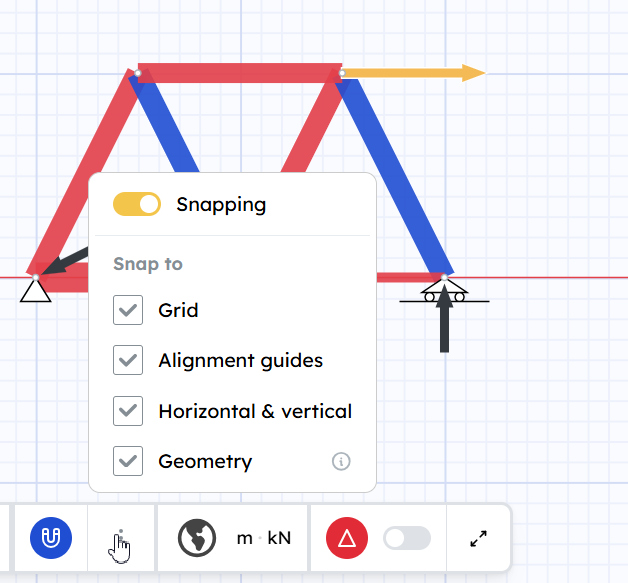
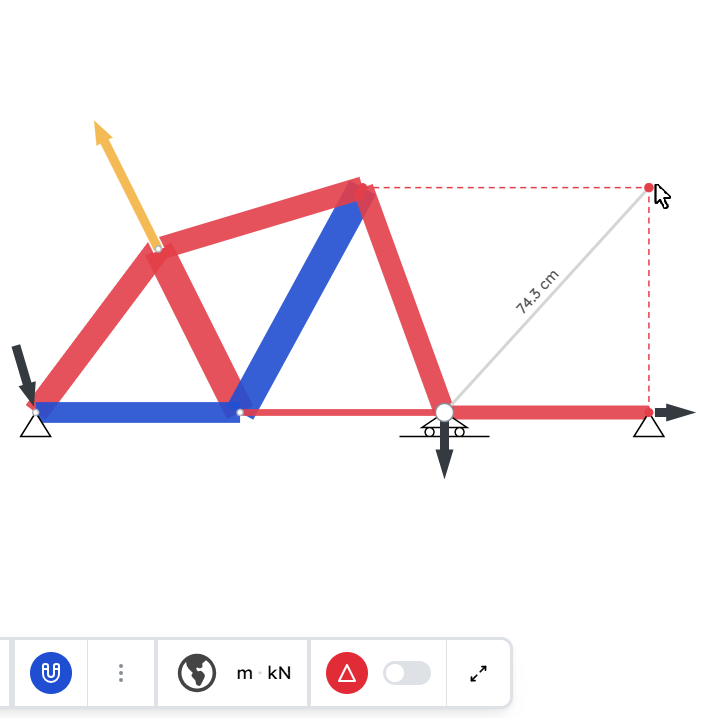
- Alignment guides — drag a joint and dashed lines show when it lines up with other joints, horizontally or vertically, so neat layouts come for free.
- Choose what to snap to — a snap menu in the bottom toolbar turns each kind on or off (grid, alignment guides, horizontal & vertical, geometry), or switches snapping off entirely.
- Horizontal & vertical — drag close to straight up/down or left/right and the line locks to it.
- Better point-in-line snapping — draw a vertical or horizontal line toward a diagonal member and it lands exactly on the crossing point.
Background images
2026-06-05 · 2.9
Drop reference images behind your model and trace over them — perfect for a truss problem from your textbook. Or just use them as illustrations to make your model clearer.
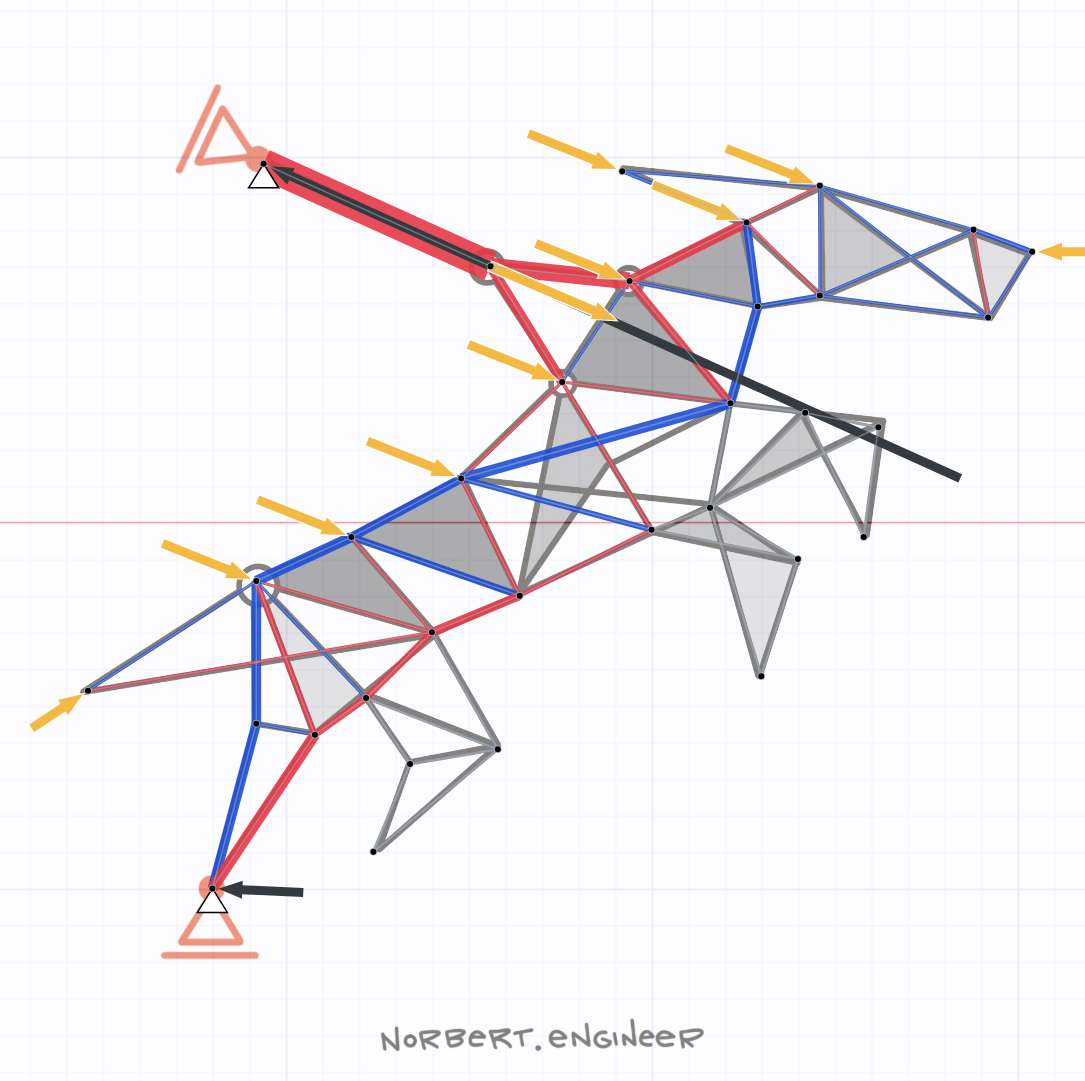
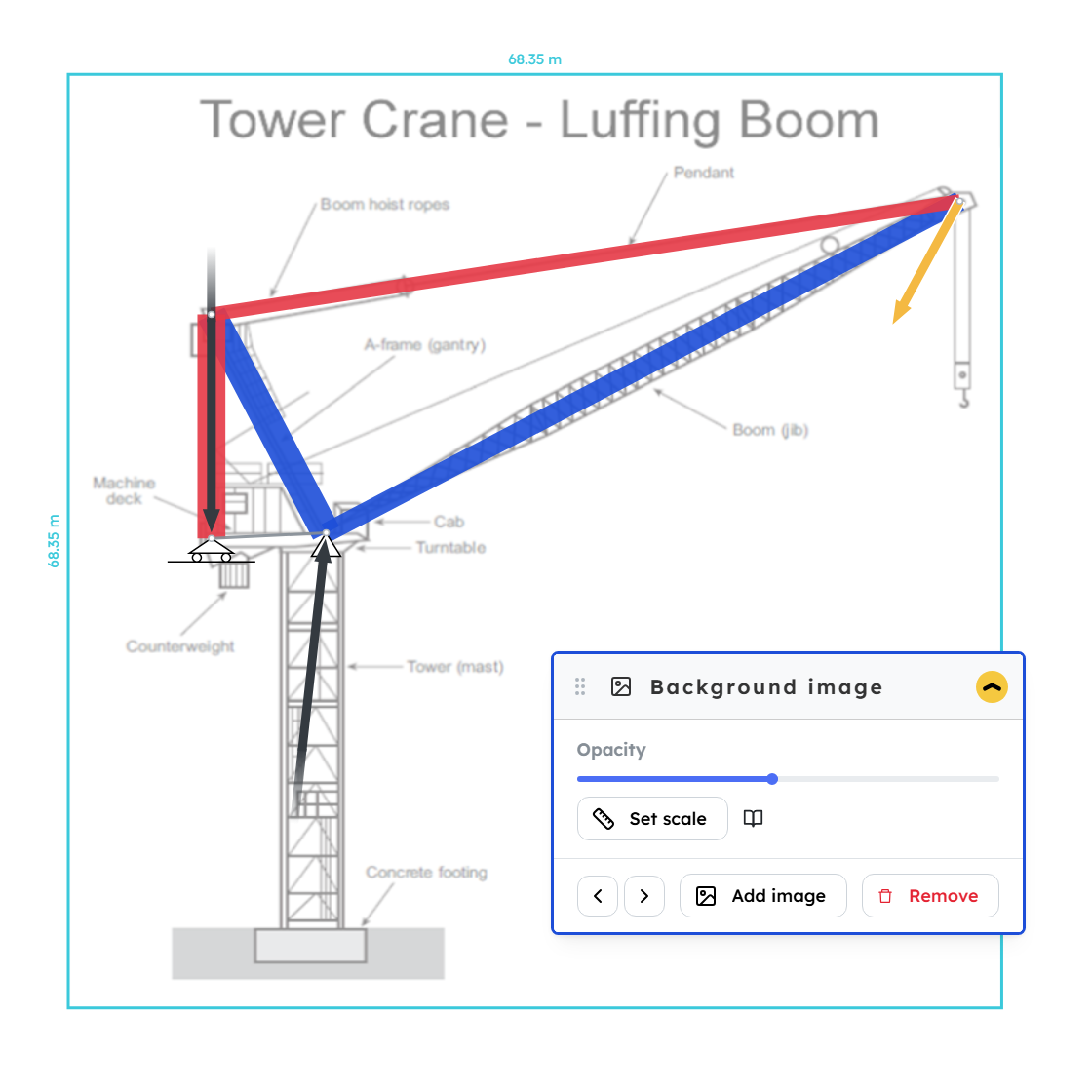
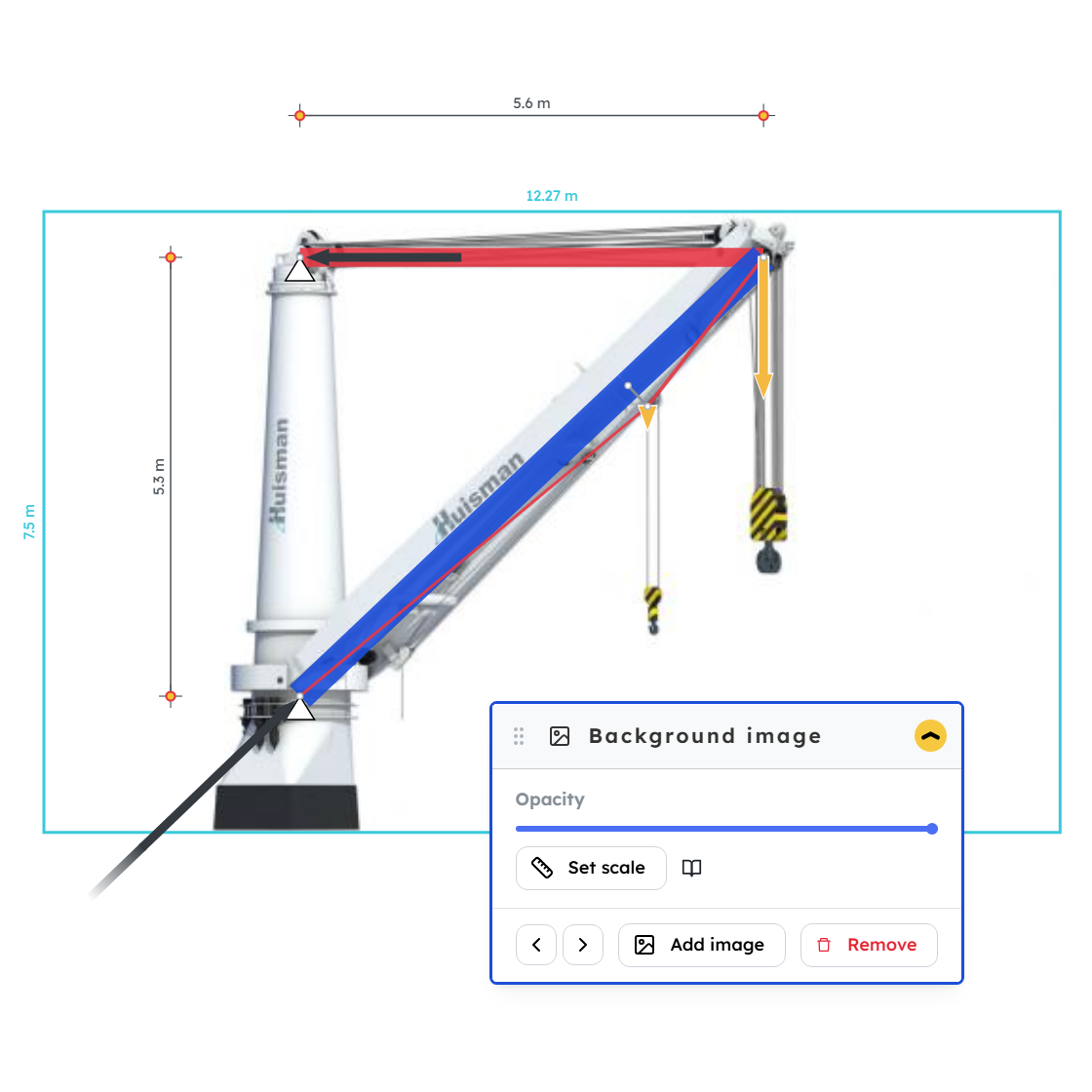
Pick the Background image tool and Add image (PNG or JPEG). Drag it into place, then build your truss on top. Add as many images as you like and step between them with the arrows.
- Set scale — pick two points whose real distance you know, type the length, and the image resizes to match.
- Opacity — fade an image so your drawing stands out.
Dimensions
2026-06-04 · 2.8
Show measurements right on your model — how long, how wide, how tall.
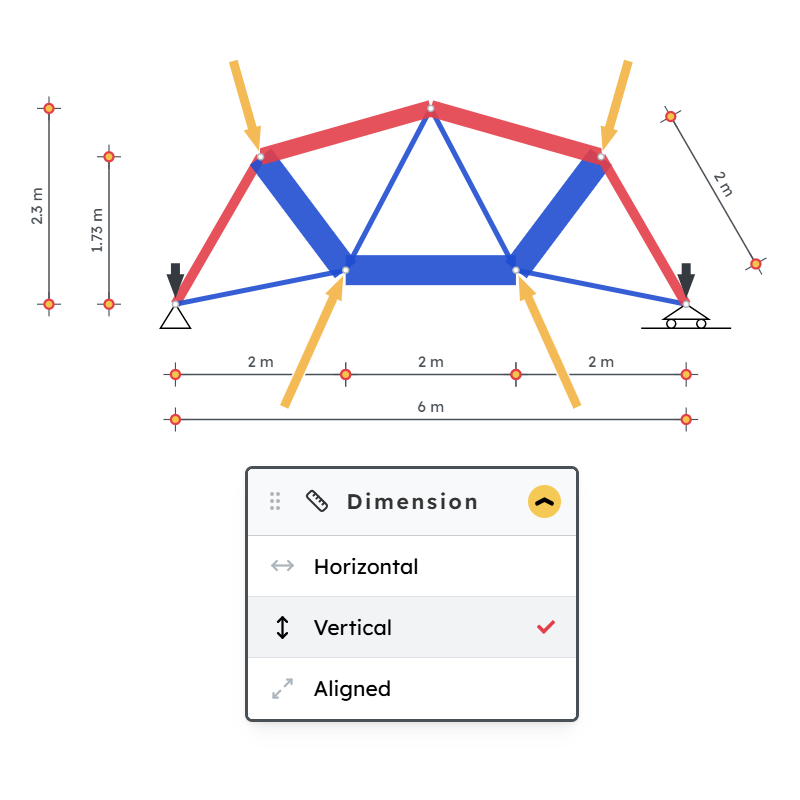
Pick the Dimension tool, click two points, then click where the line goes.
Three kinds: Horizontal, Vertical, and Aligned (any angle). Drag the line any time to move it.
Right-click menu
2026-06-03 · 2.7
Right-click anything on the canvas to get its actions right where you're working — no trip to the toolbar.
What's in the menu
- Member — change its material and section.
- Load — flip it, or switch between push and pull.
- Support — pick the support type with one click.
- Node — add a support (or remove it).
- Any element — delete it.
- Empty canvas — zoom to fit.
Good to know
- Works in any tool — you don't have to switch first.
- Select several elements of the same type, then right-click to act on all of them at once.
- If the menu covers what you need, drag it by the bar at the top.
Also improved
- Brush select to edit in bulk — drag a box to select many elements in the Support tool, Load tool, and the Member tool's edit mode, then apply an action to all of them at once.
- Loads are now draggable in the Select tool — drag a load to set its direction and Fx / Fy, right alongside nodes and other elements.
- Editing many members at once is easier — in the Member tool's edit mode, change the material or section of a whole selection in one go.
Materials & sections per member
2026-05-25 · 2.6
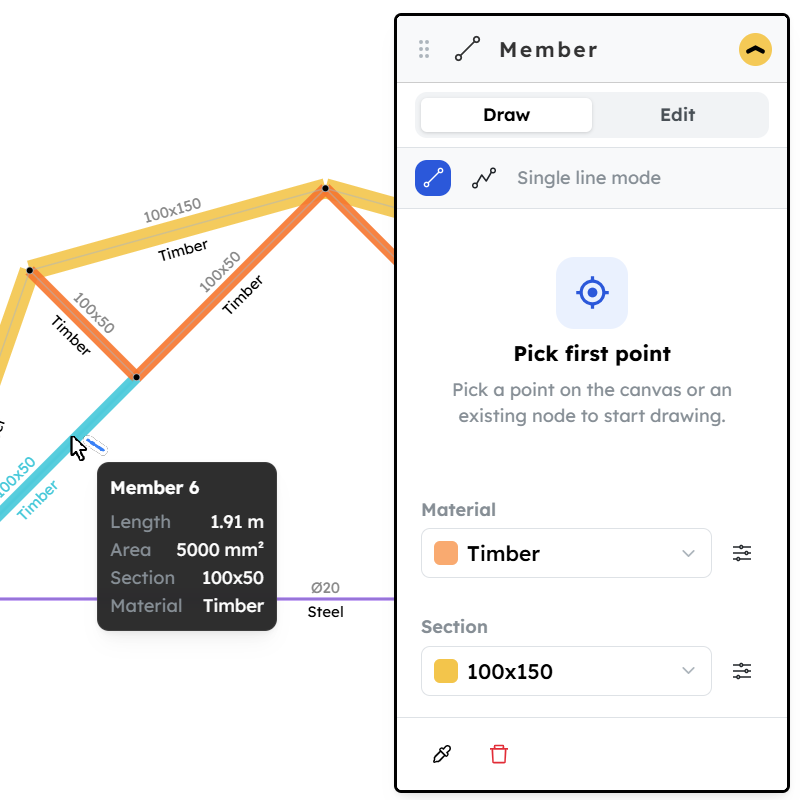
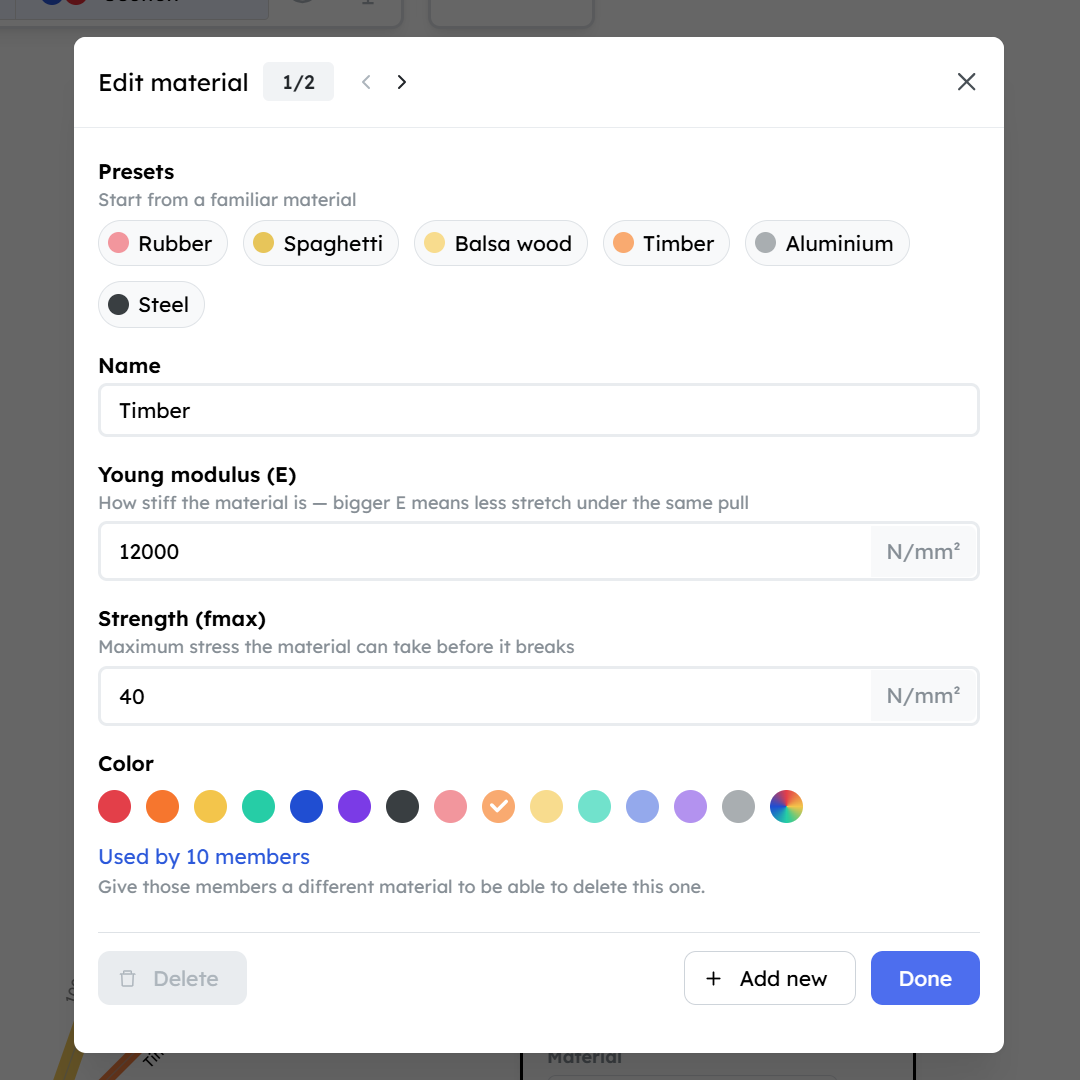
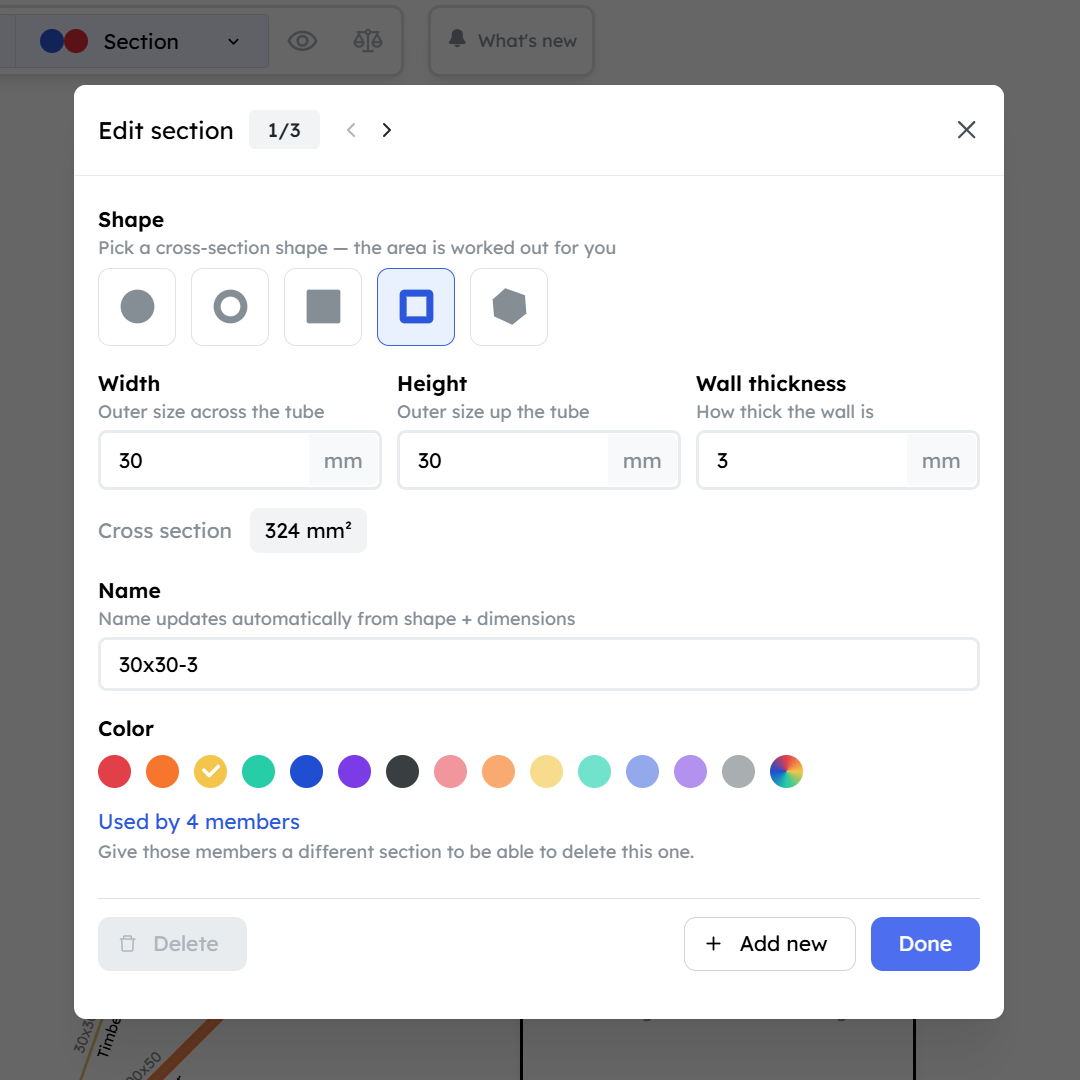
Every member can now have its own material and section.
Materials
- Pick a preset (steel, aluminium, wood…) instead of typing the numbers.
- Give each material a color.
Sections
- Pick a type: solid round, pipe, solid square, hollow square, or custom.
- Enter the dimensions — the area is computed for you.
- Give each section a color.
Two new diagrams
- Material — each member colored by its material.
- Section — each member drawn at the real thickness of its section.
Rotate tool + push/pull loads
2026-05-19 · 2.5
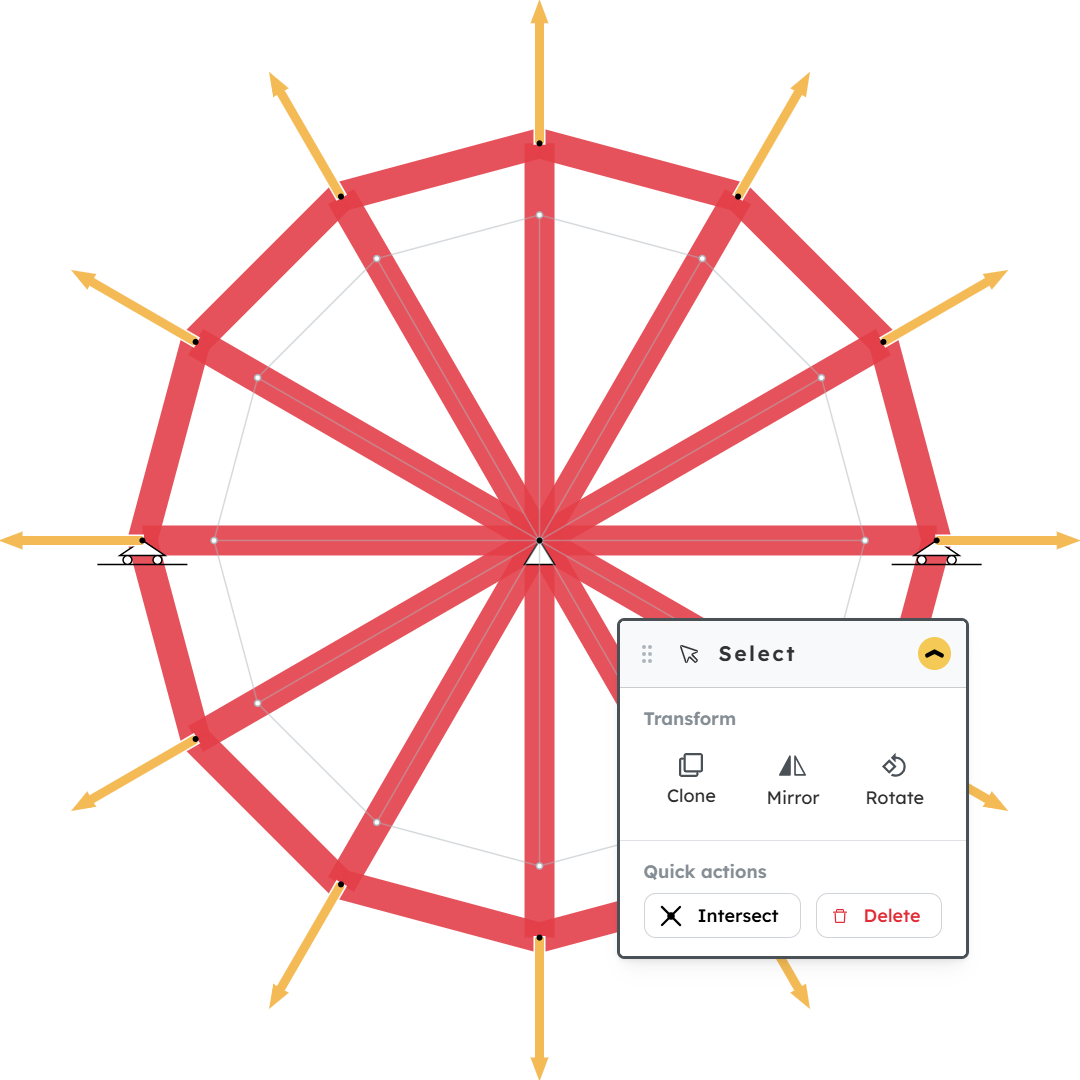
Rotate selections around any point, and choose how a load is drawn.
Rotate tool
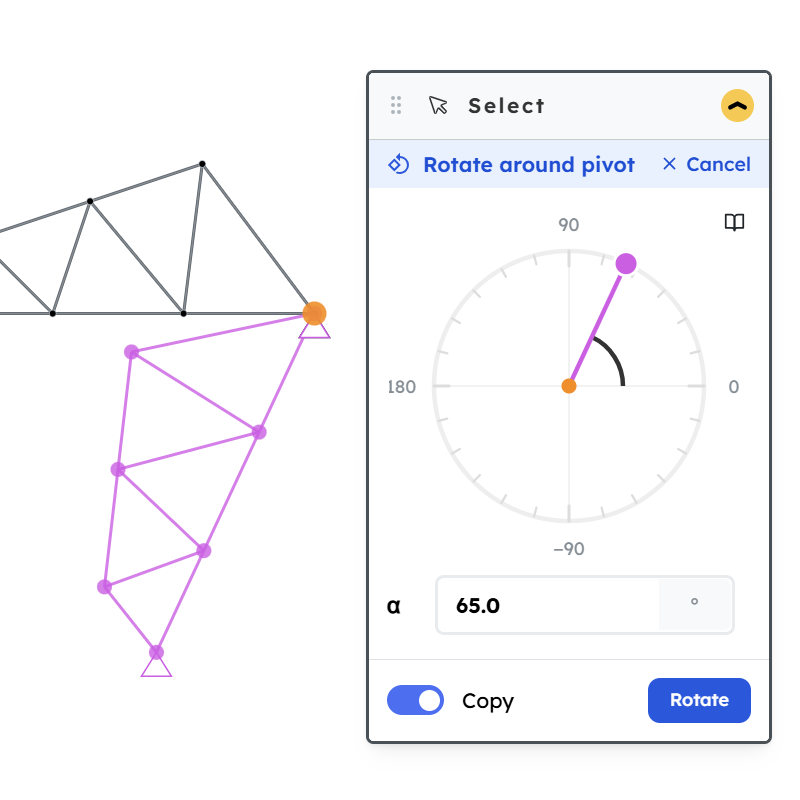
Pick a selection, hit Rotate, click on the canvas to set the pivot, then type the angle. The selection turns around the pivot point.
- Rotate moves the selected nodes and members in place
- Rotate copy leaves the original where it is and places a rotated copy
Not happy with the pivot? Just click somewhere else on the canvas to move it — you can re-pick the pivot anytime before you commit the rotation.
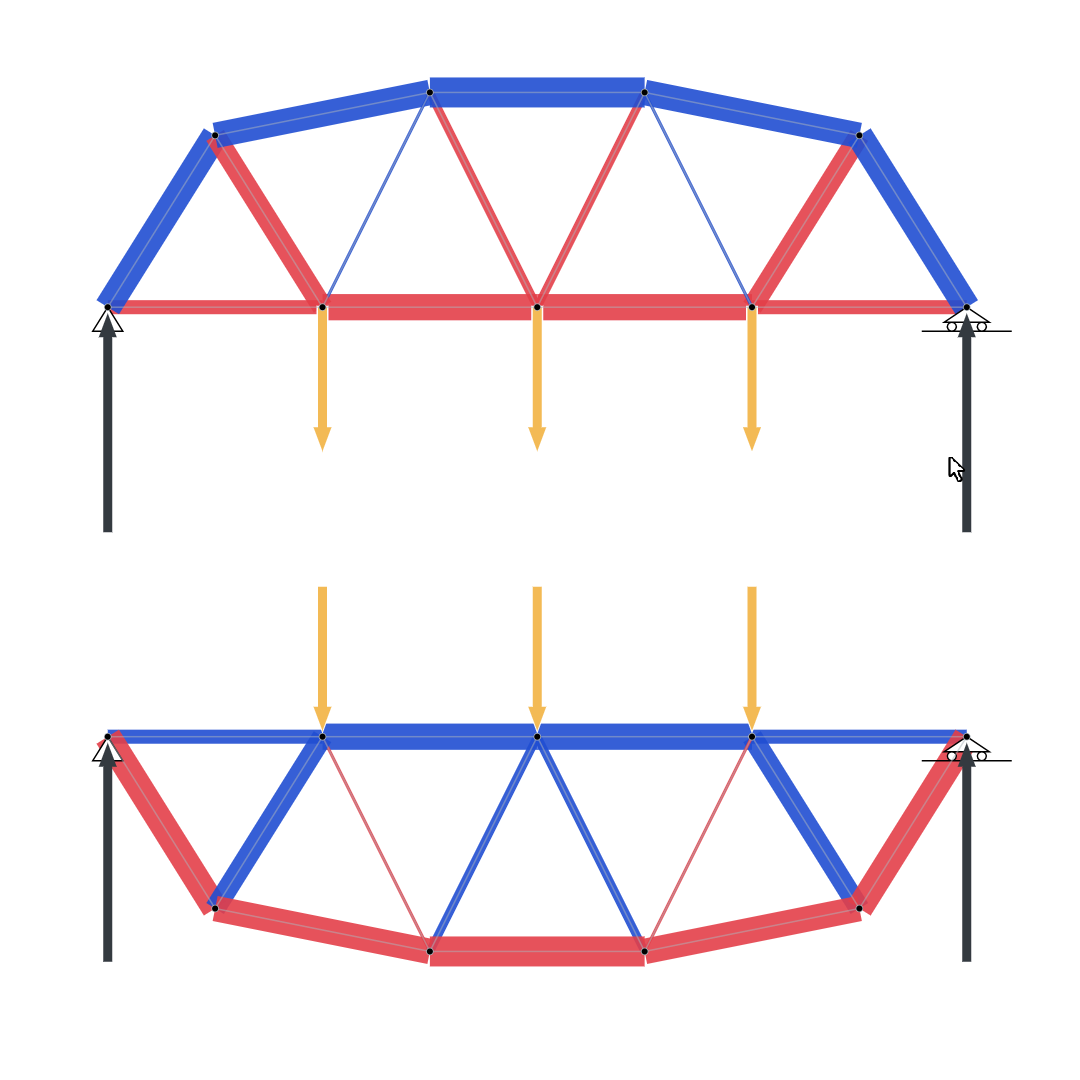
Push or pull a nodal load
When you add a load on a node, you can now choose how the arrow is drawn:
- Push — the arrow points into the node (pushing it)
- Pull — the arrow points away from the node (pulling it)
This is purely a visual choice. The force itself — its direction and magnitude — stays exactly the same. Sometimes a load just makes more sense as a pull than a push (for example a cable hanging off a node), and now you can show it that way.
And the best part: you can finally draw a spaghetti bridge being pulled from below.
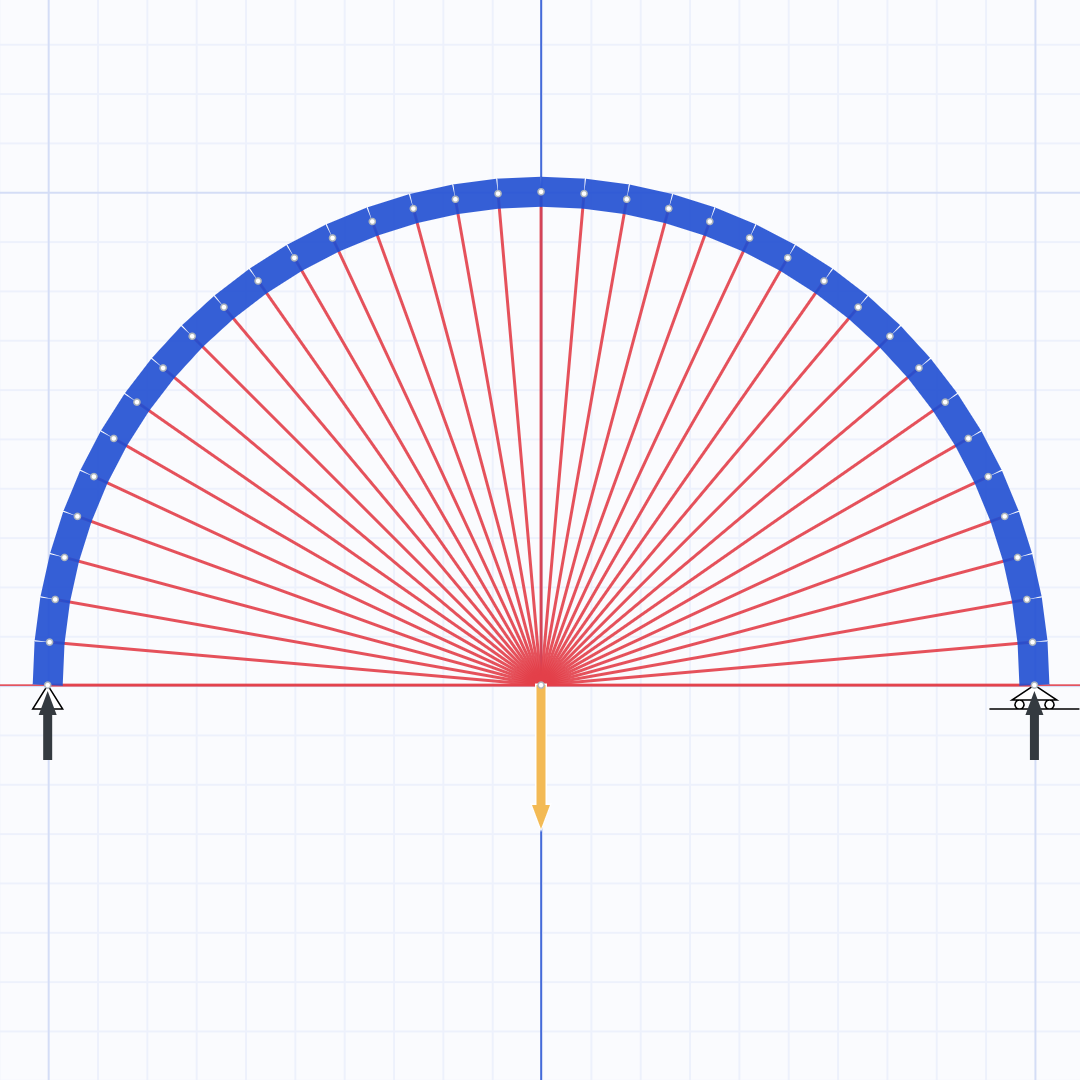
Improved stability report (Force balance) + consecutive clone
2026-05-17 · 2.4
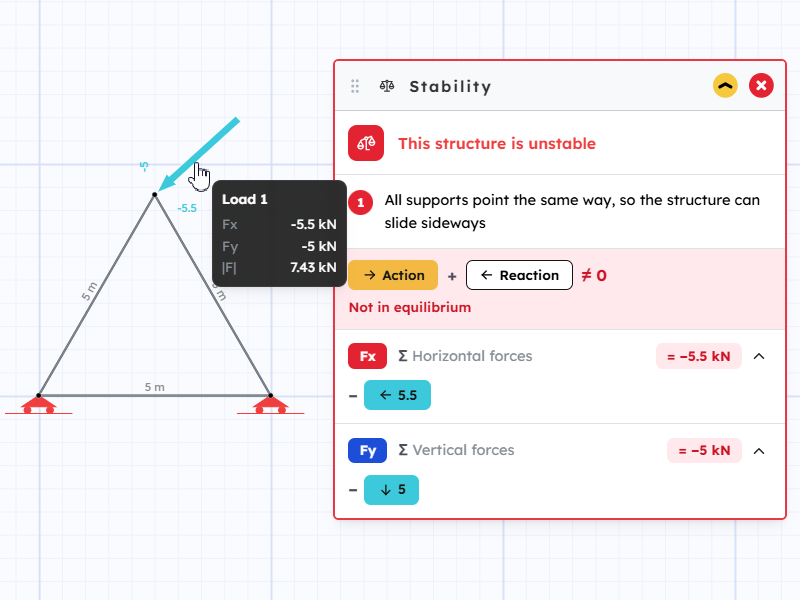
A clearer way to see if your truss is in equilibrium.
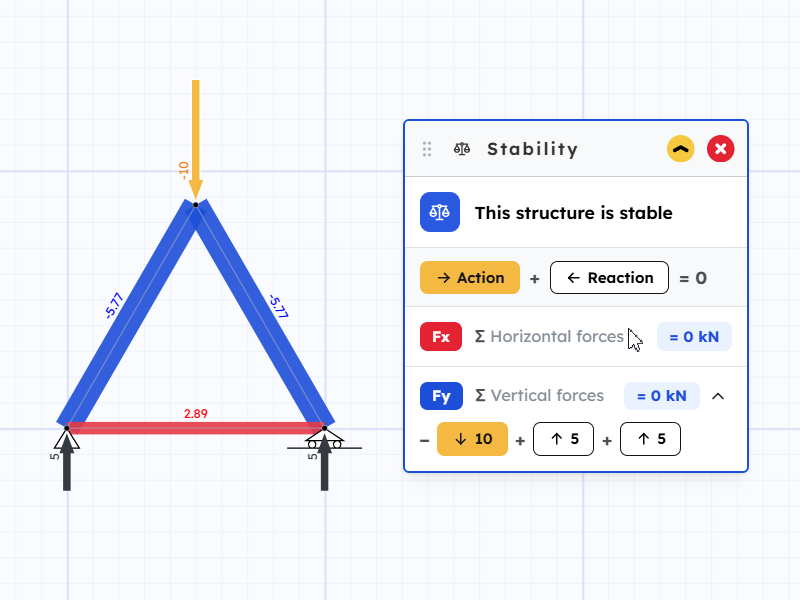
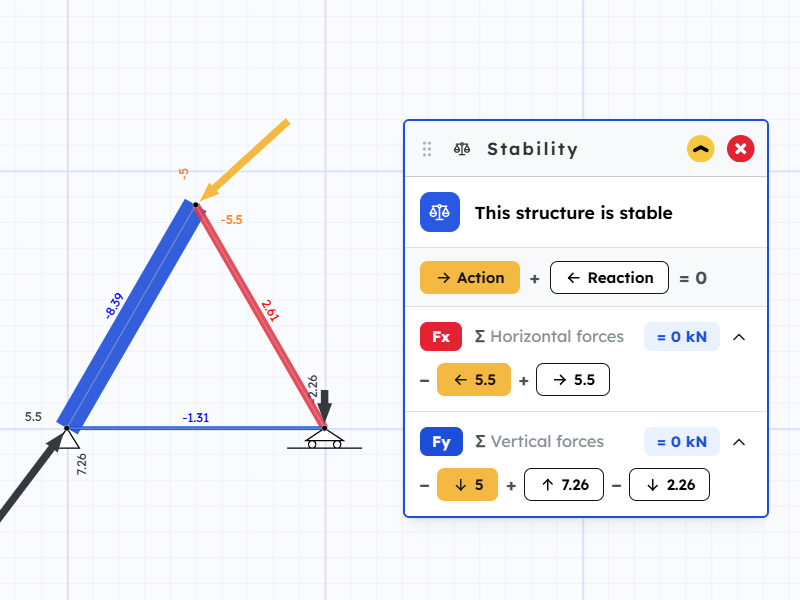
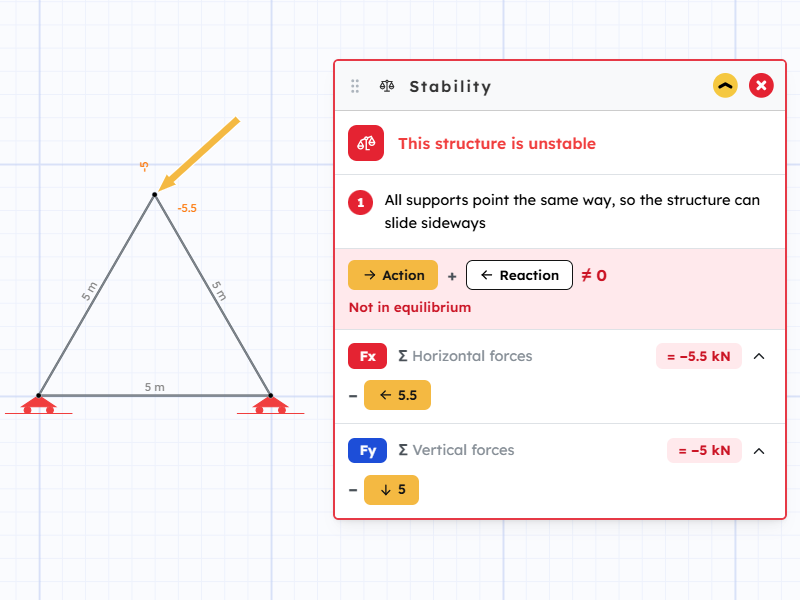
See the forces add up
The stability panel now lays out every force as a simple equation, one for the horizontal direction and one for the vertical:
- Action chips are the loads you placed
- Reaction chips are what the supports push back with
- A sum at the end shows whether they cancel out
If the sums are zero, the truss is balanced. If not, the panel turns red so you know something's off.
Find a force on the canvas
Hover any chip and the matching load or support lights up on the drawing. Helpful when there are a lot of forces and you want to track one down.
Pro tip: pin the panel to keep it open while you edit — the report updates instantly as you change the model.
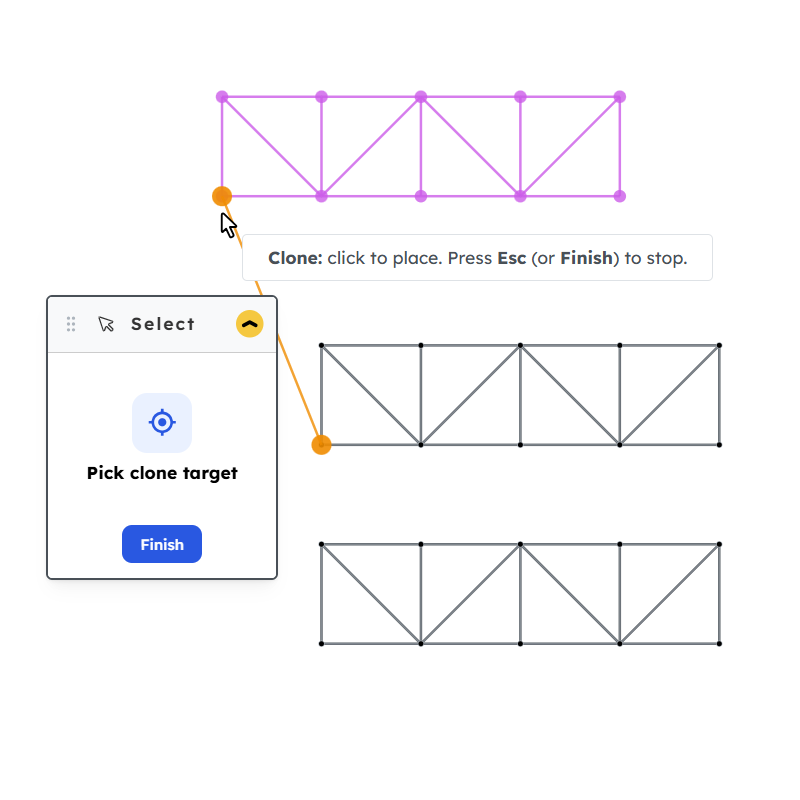
Consecutive clone
Cloning is now faster for repeating shapes. After you clone a selection, the new elements stay selected — so you can clone them again, and again, without re-picking anything. Great for stacking identical truss bays or copying a pattern across the model.
Precise polylines with coordinates
2026-05-11 · 2.3
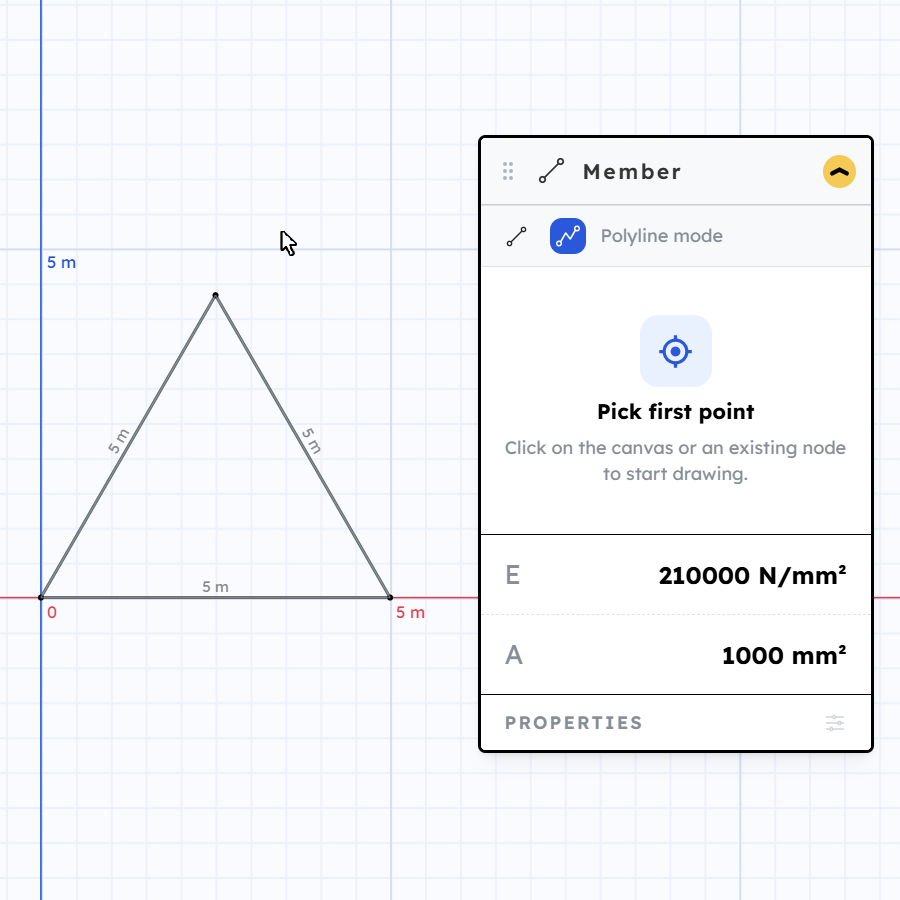
Draw shapes by typing exact numbers instead of clicking by eye.
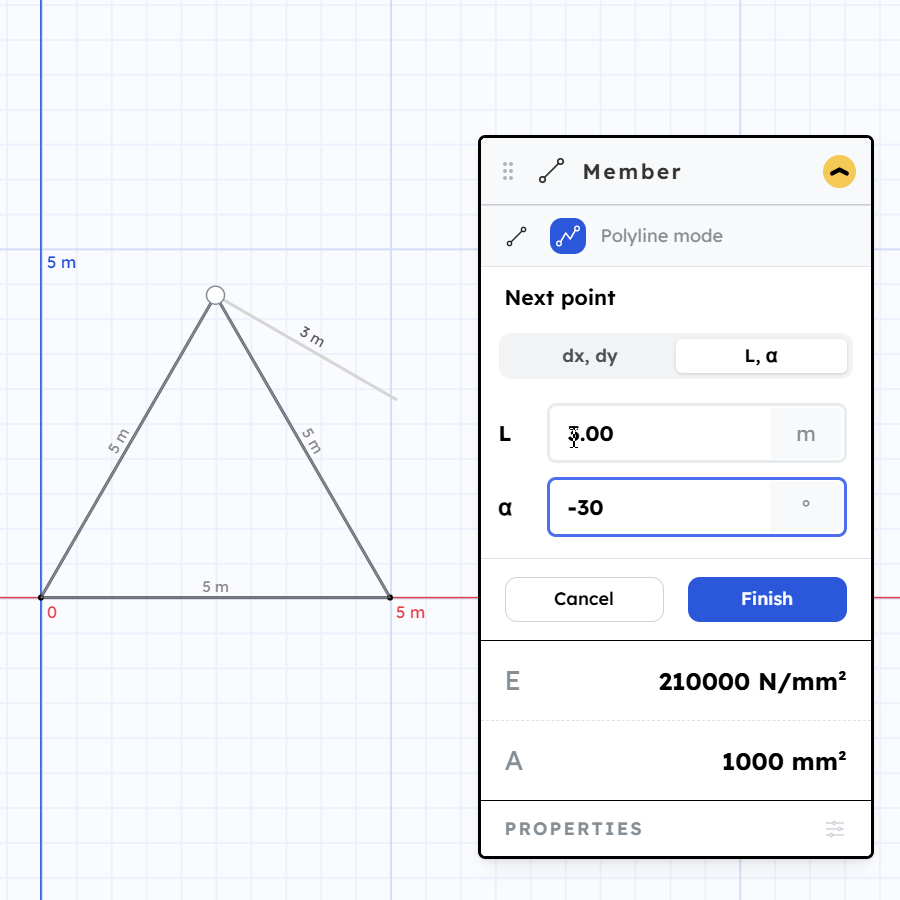
Coordinate input for polylines
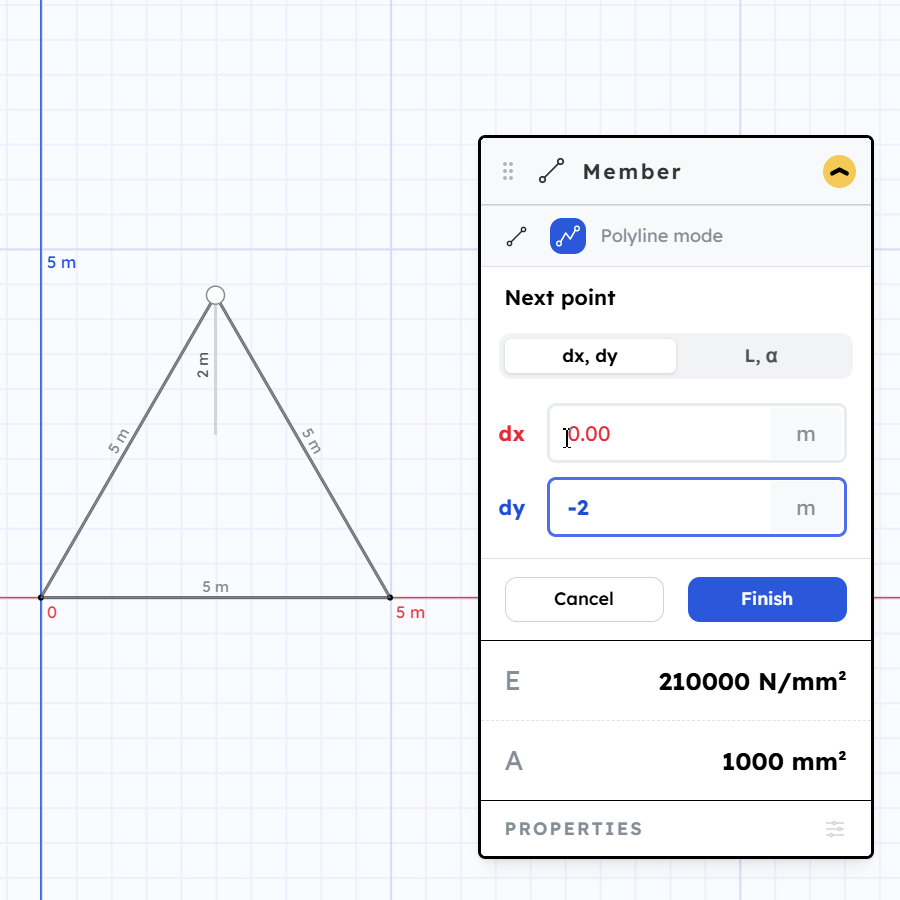
When drawing a polyline, you can now type the next point's coordinates instead of clicking. Two modes:
- X, Y — give the absolute position of the next point
- Length and angle — give the distance and direction from the previous point
This makes it easy to build exact shapes. For an equilateral triangle, for example, just use the same length for each side and 60° angles.
Pro tip: after placing the first point, press X, Y, L, or A to jump straight to that input — then hit Enter to apply the value.
Line or polyline
You can now choose between a plain line (two points) and a polyline (chain of connected segments) when drawing members.
Snapping, rulers, and tooltips
2026-05-08 · 2.2
A bunch of things that should make building trusses a lot less frustrating.
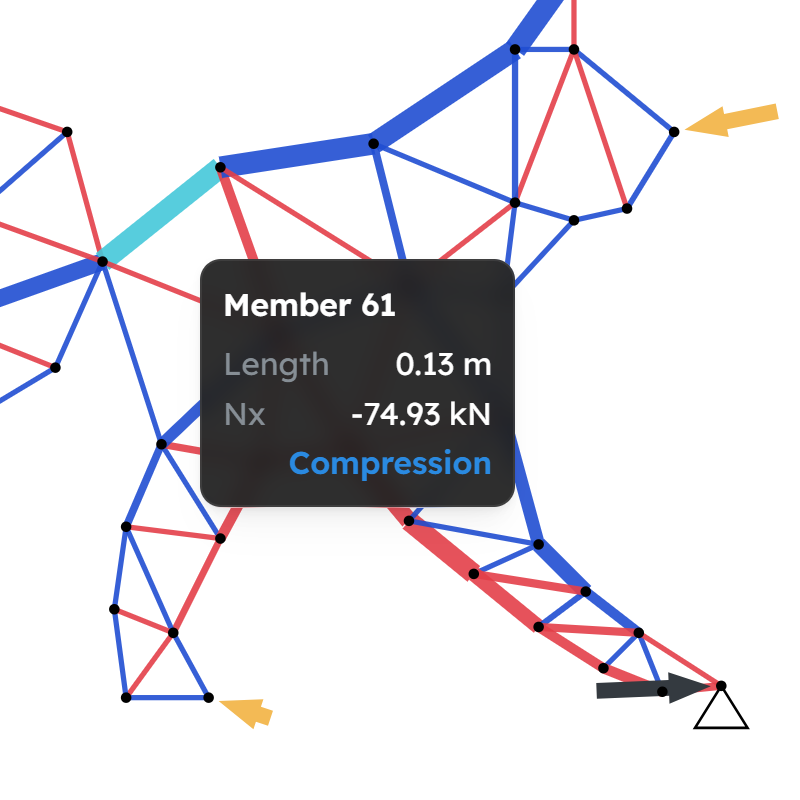
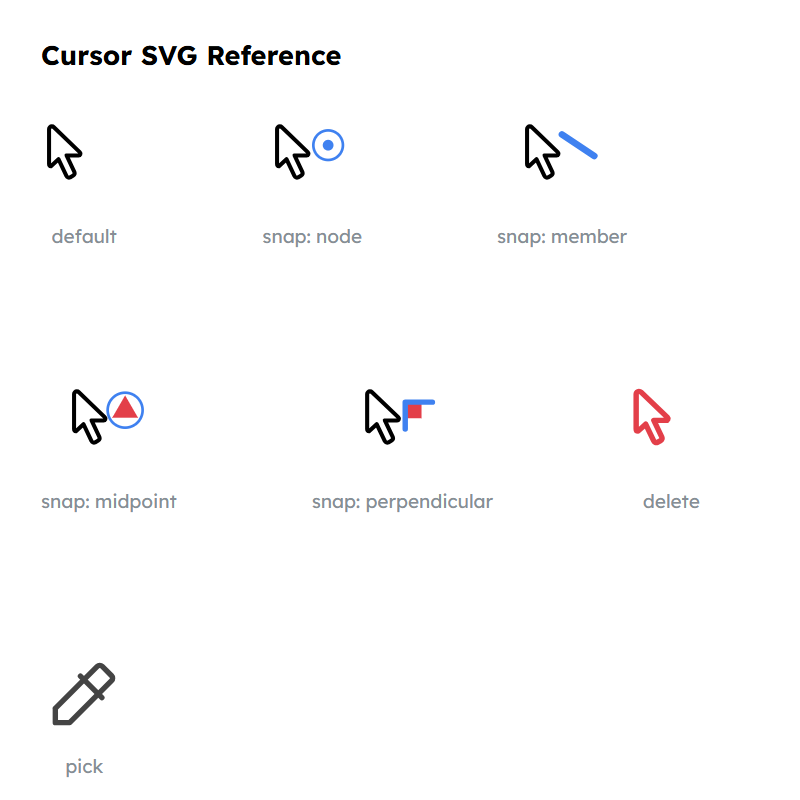
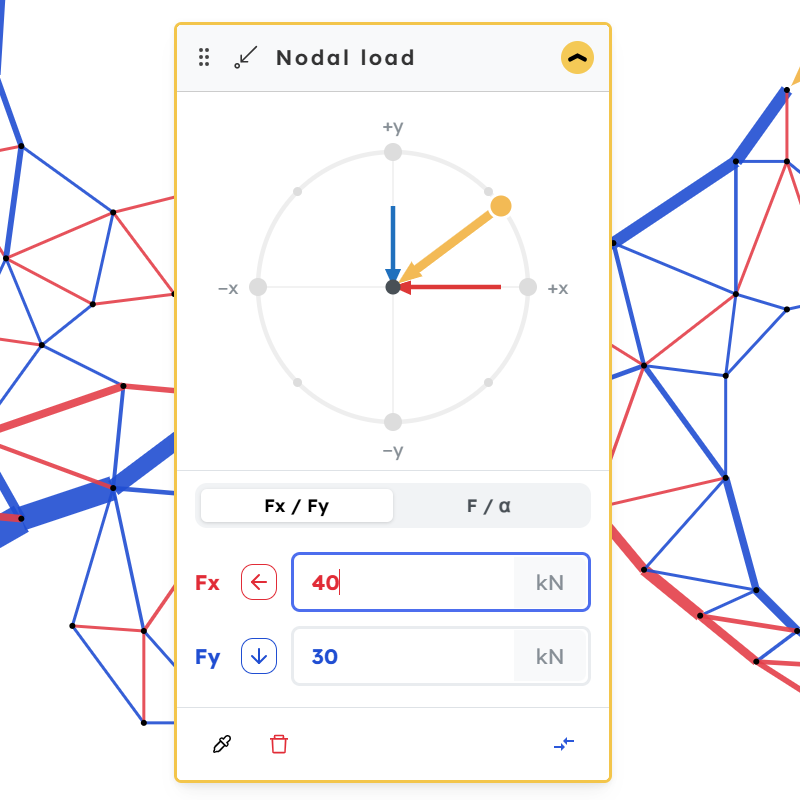
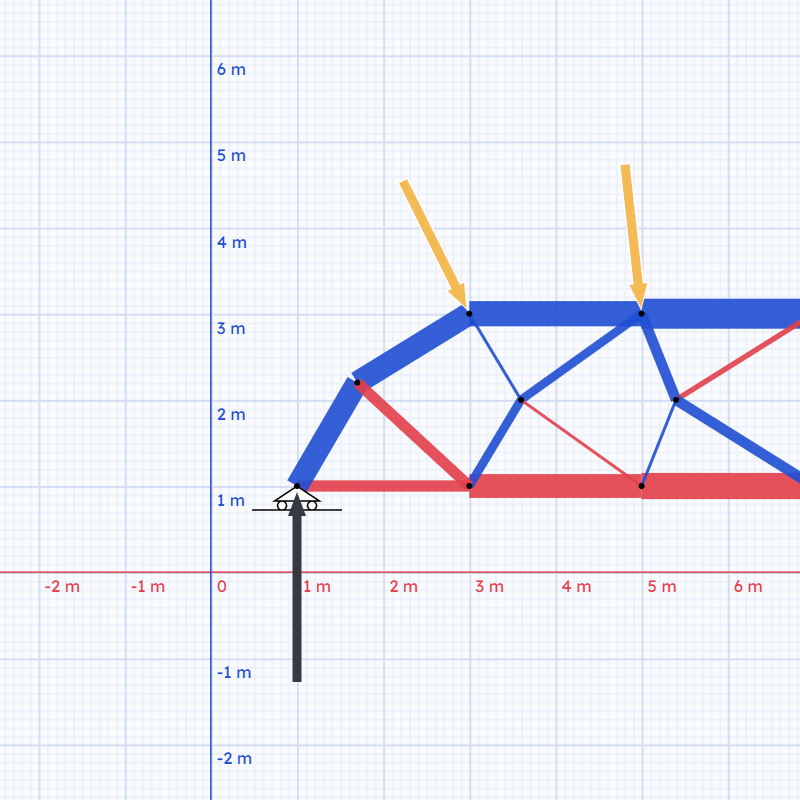
Hover feedback and tooltips
- A hover state indicator shows which element your cursor is over — no more guessing what will get selected when you click
- Tooltips appear when you hover over elements, showing their key properties and results
Better snapping
Three new snap targets when placing nodes:
- Point on line — snap to any point along an existing member, not just its endpoints
- Line center — snap straight to the midpoint of a member
- Perpendicular — snap at a right angle to a member
If you've ever spent 30 seconds trying to hit a midpoint by eye, this one's for you.
Enhanced load inputs
The load input controls have been improved. They're easier to add/update or delete loads on nodes.
Axis rulers
There's now a ruler along both the X and Y axes. Handy for checking coordinates at a glance.
Metric & Imperial units
2026-05-03 · 2.1
You can now choose between Metric and Imperial units in the calculator setup. All inputs and results display in the selected unit system.
I work in metric day-to-day, so imperial support got less real-world testing — if anything looks off, I'd really appreciate a heads-up. Use the feedback button above and describe what you expected to see.
Truzme 2.0 Beta
2026-04-27 · 2.0 Beta
This is a significant update — most of the work happened under the hood, but it sets the foundation for everything coming next.
Rebuilt from the ground up
The entire app state has been rewritten. The old system was getting in the way of adding new features, so it was replaced with something leaner and more predictable. From the outside it should feel the same — or better — but internally it's a much cleaner foundation.
Calculator redesign
The calculator interface has been reorganised to support more powerful features without becoming cluttered. Controls are easier to find, and the layout scales better as more tools get added.